One idea in.
Ten slideshows out.
SlideShown writes, designs and varies photo slideshows for your app or brand, in bulk. Every hook and CTA is tracked, so each batch learns from the last.
Free plan · No credit card · Cancel anytime
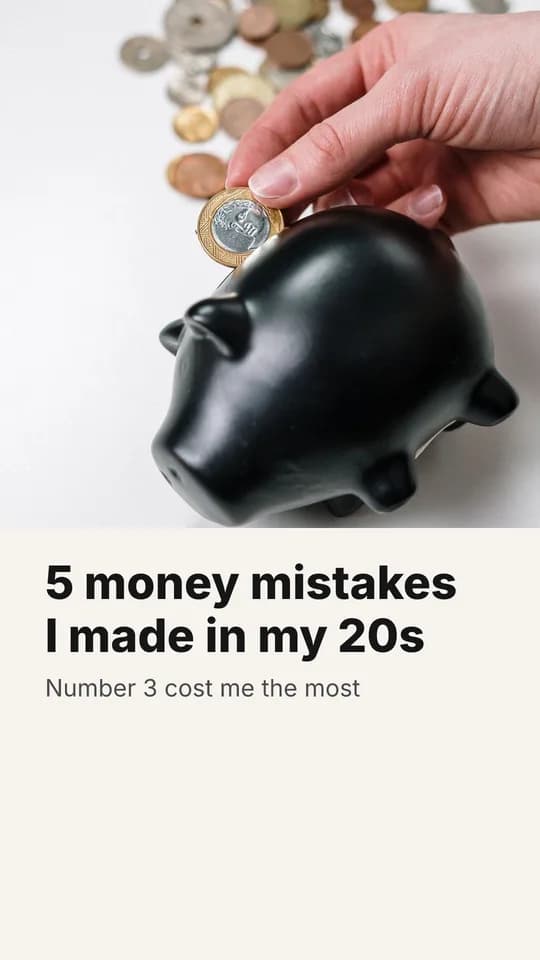
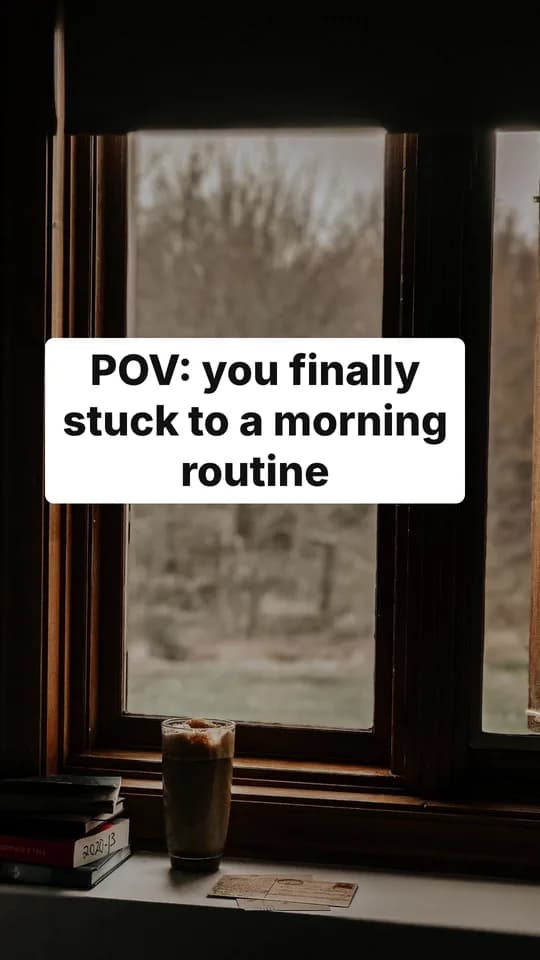
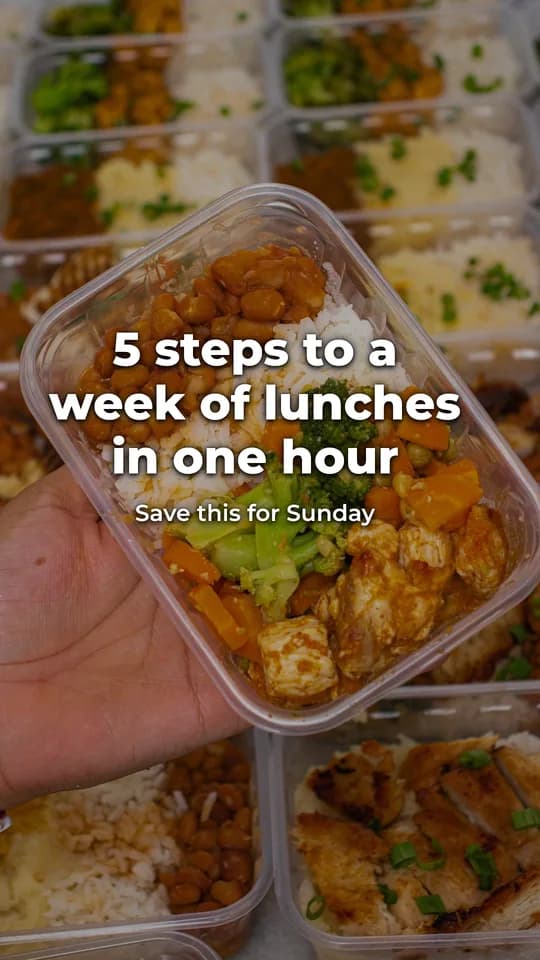
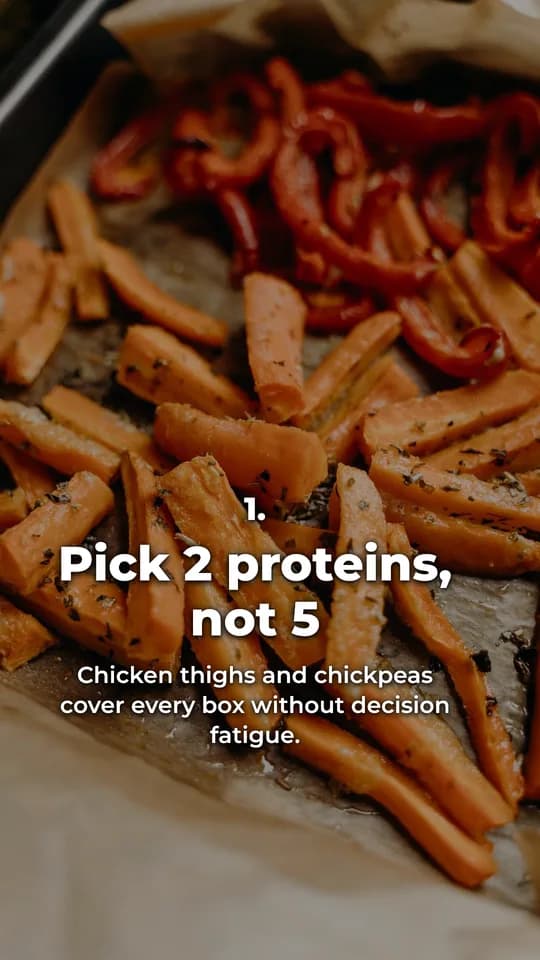
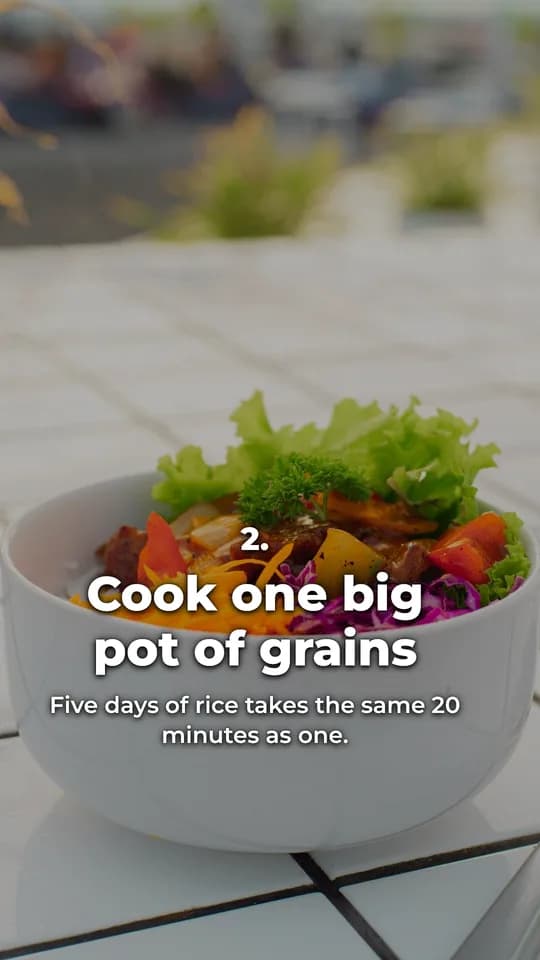
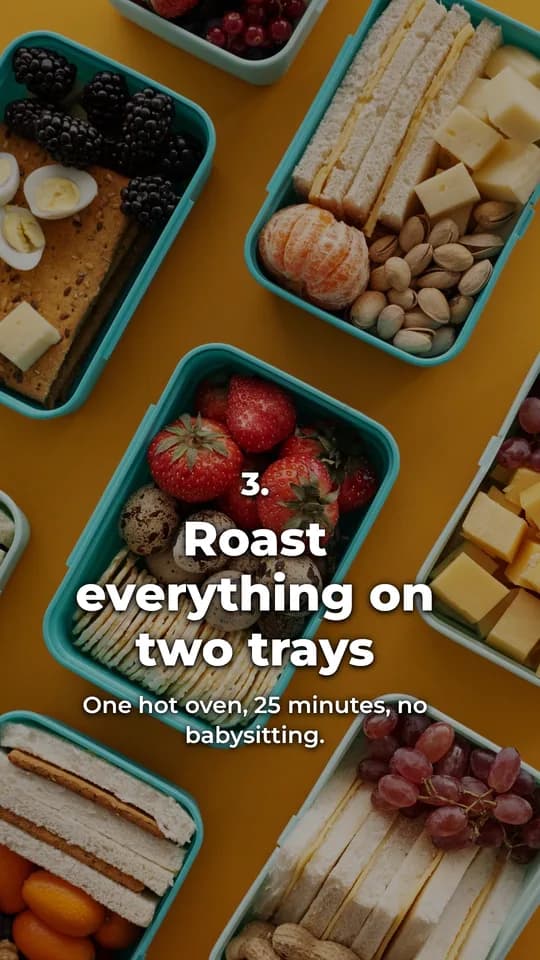
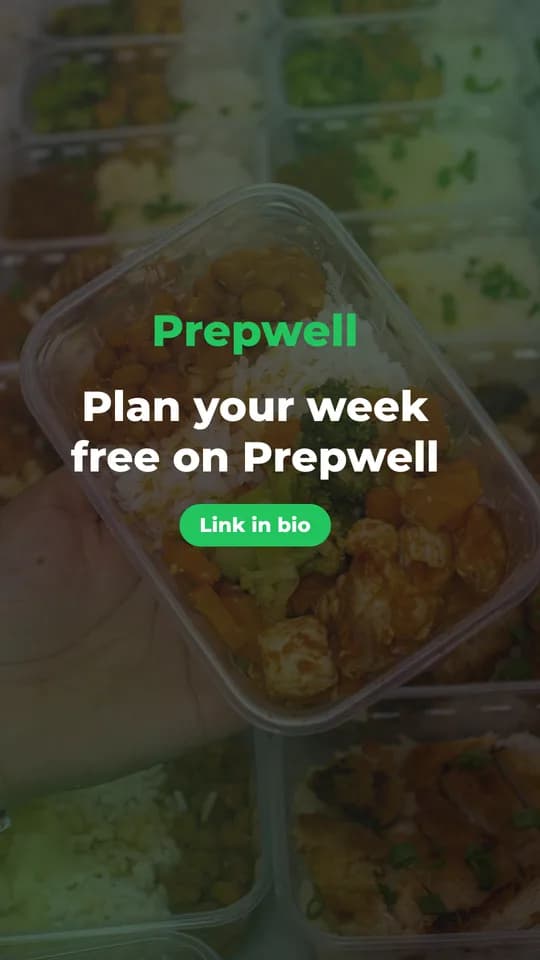
Slides look like something a person posted, in the formats that actually get swiped on TikTok and Instagram.
Every idea becomes a batch of variants with different hooks, CTAs, visuals or formats, so you test instead of guess.
Photos come from your own library or free stock. Text, layout and captions are done. You just post.
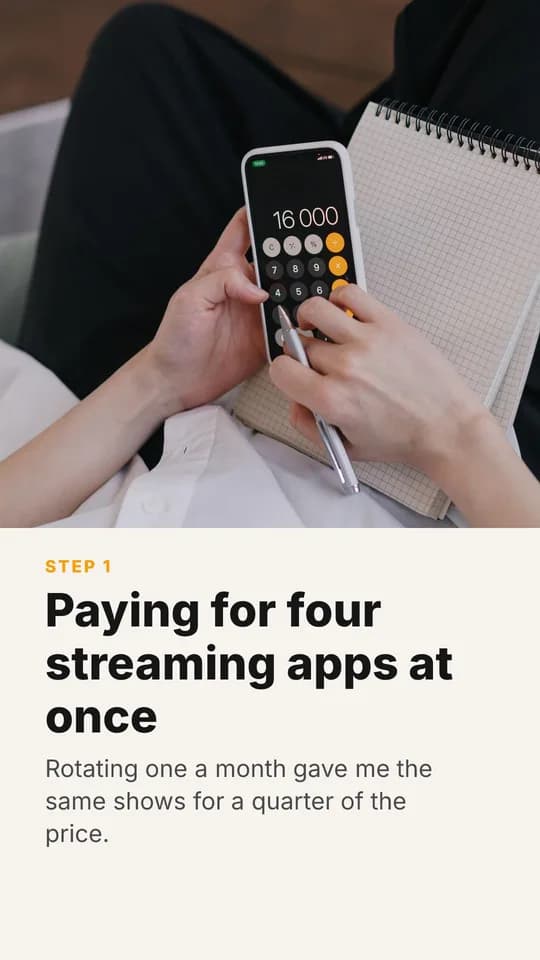
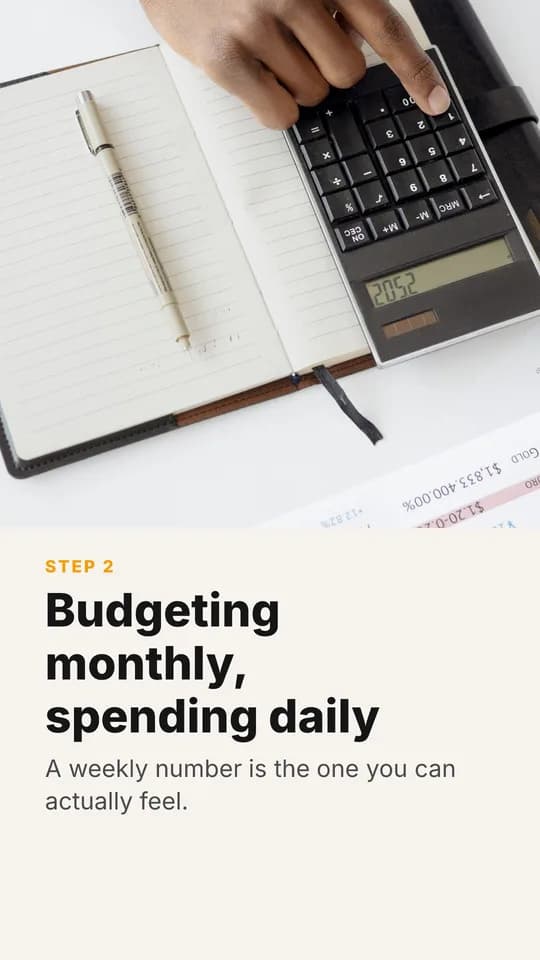

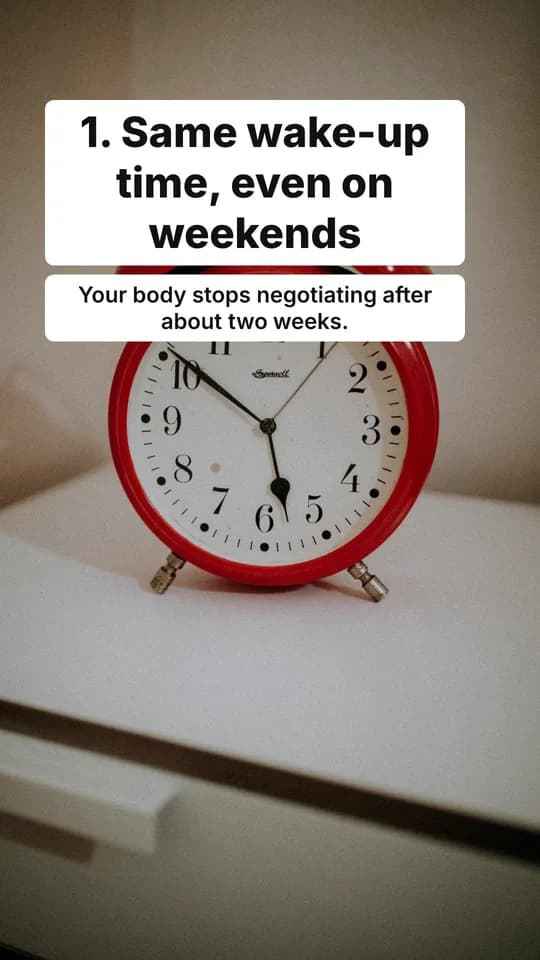
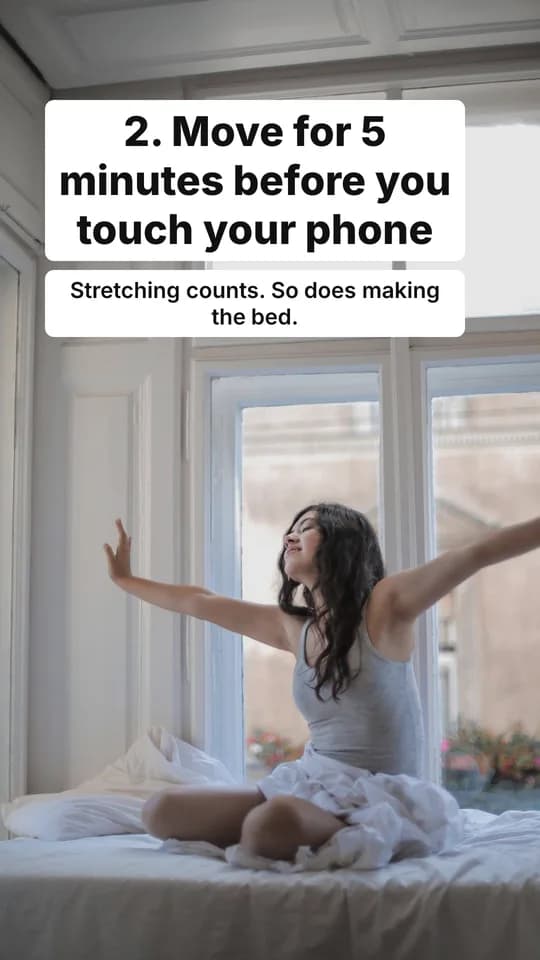
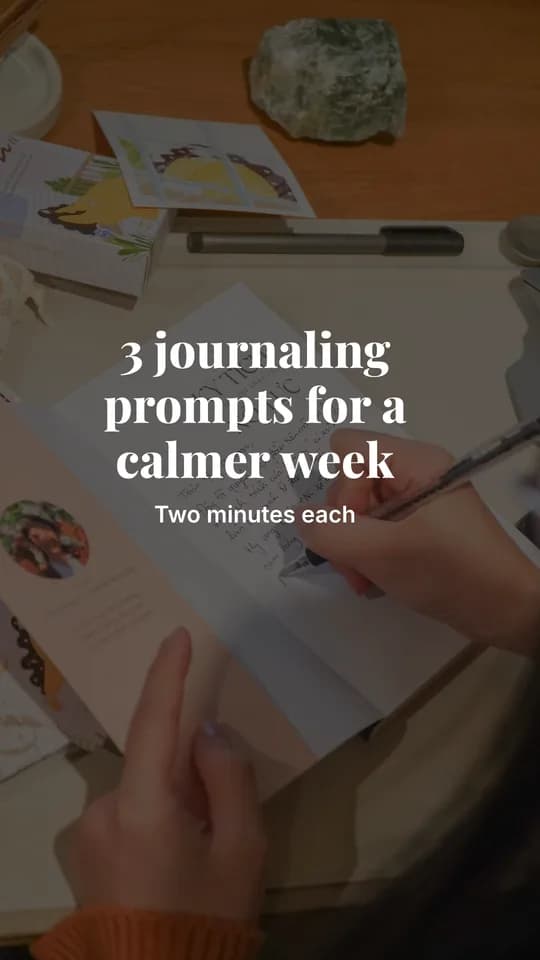
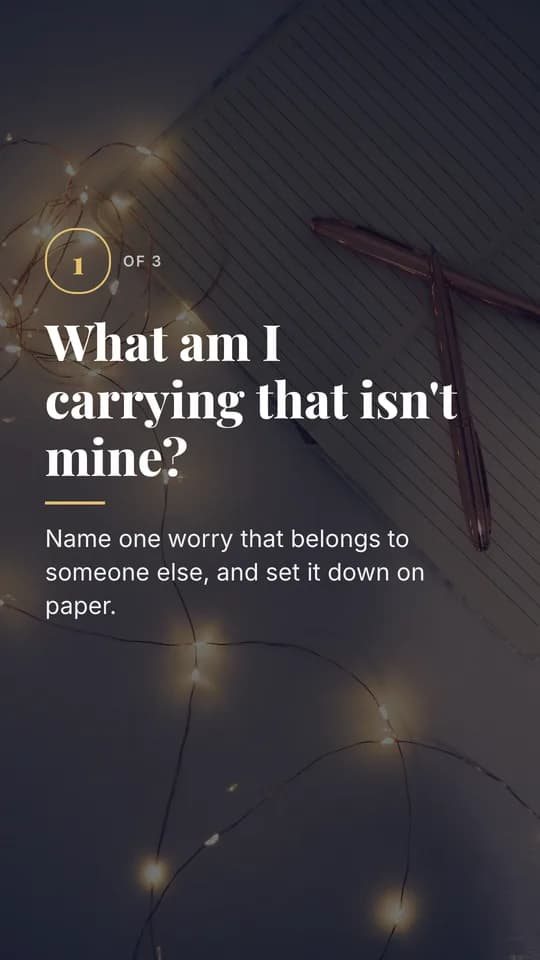
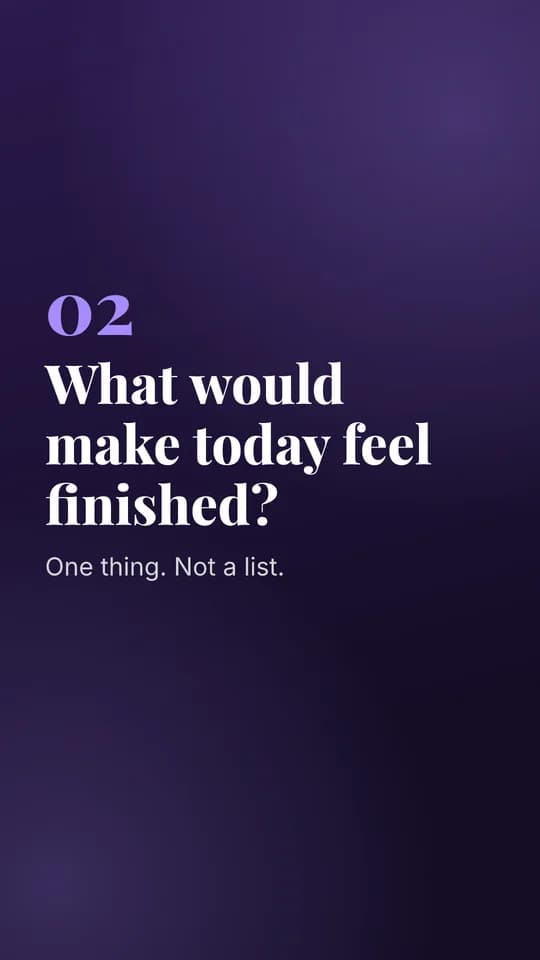
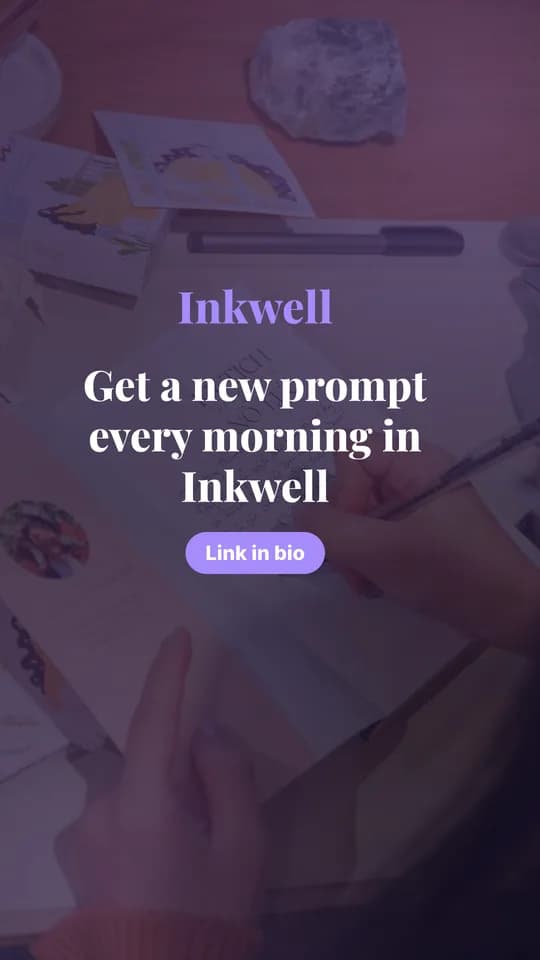
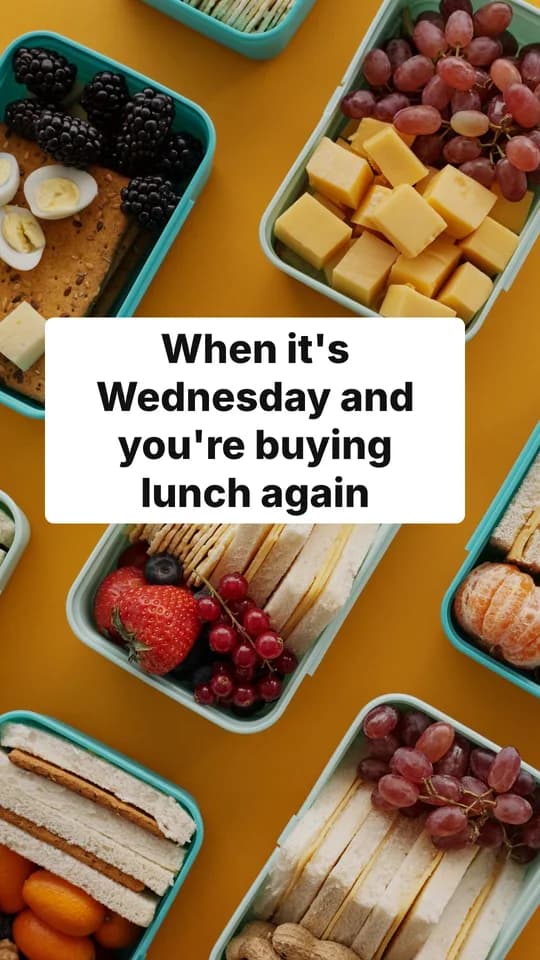
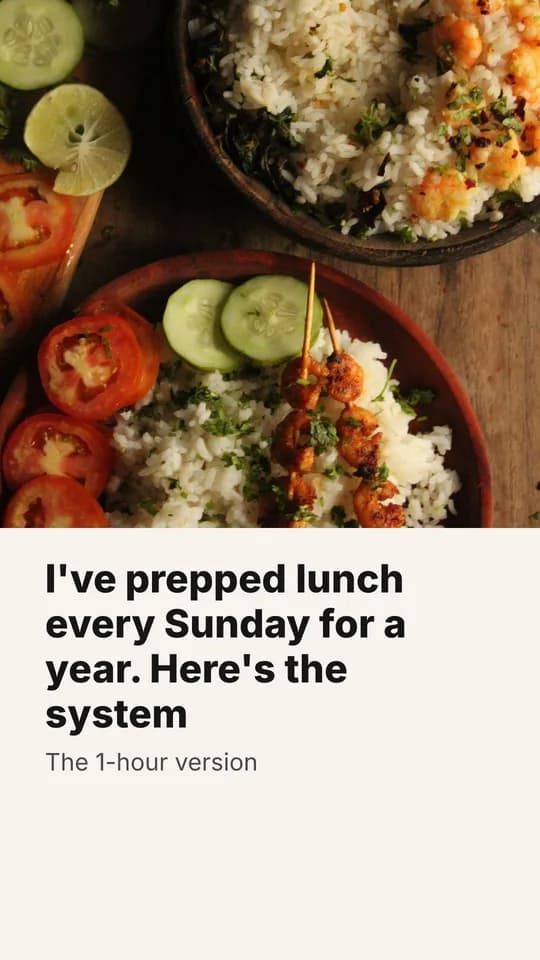
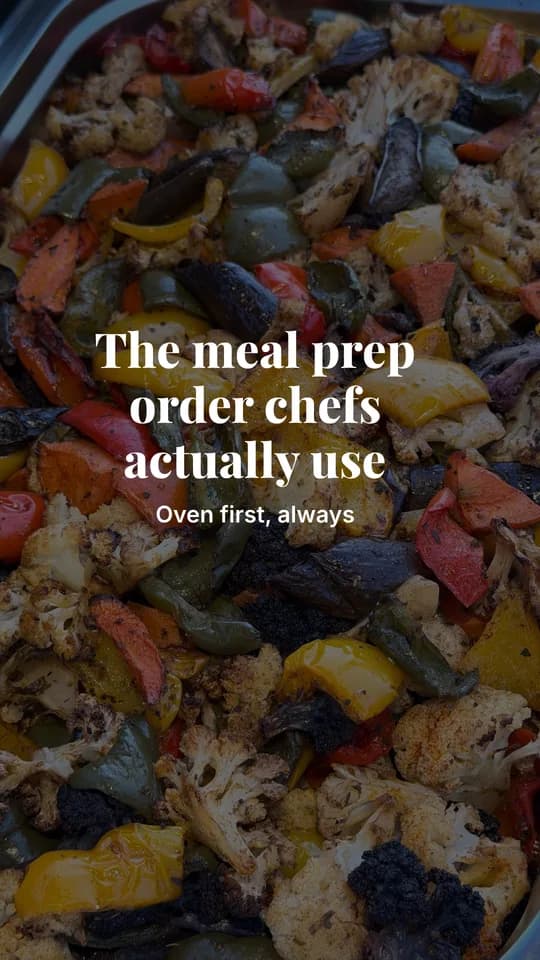
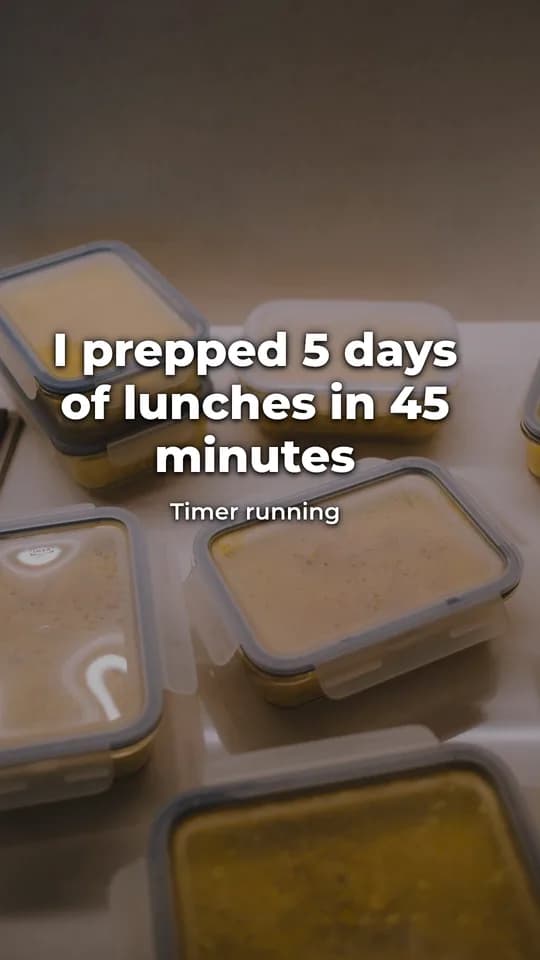
Every slide on this page was made by SlideShown. Brands are fictional.
From a sentence to a posting queue.
No templates to fill in, no design tool to learn. You bring the idea and the brand once; SlideShown does the rest.
A topic, a product angle, or nothing at all. The idea bank suggests what to post next.
Ten complete slideshows in your brand's look, each varying one thing, with captions and hashtags written.
Approve the ones you like, download them, or send them to TikTok as drafts (beta) to add a sound and publish.
Views, saves and follows come back per variant, so the next batch leans on what your audience actually liked.
Stop guessing which hook works.
Each batch is a controlled experiment. Pick what to test and SlideShown changes only that, so the result actually means something.
- Hook test. Same slides, different opening line.
- CTA test. Same story, different ask at the end.
- Visual test. Same words, different theme and photos.
- Format test. List, story, POV or myth-busting.
- Shotgun. Everything varies. Find a direction fast.
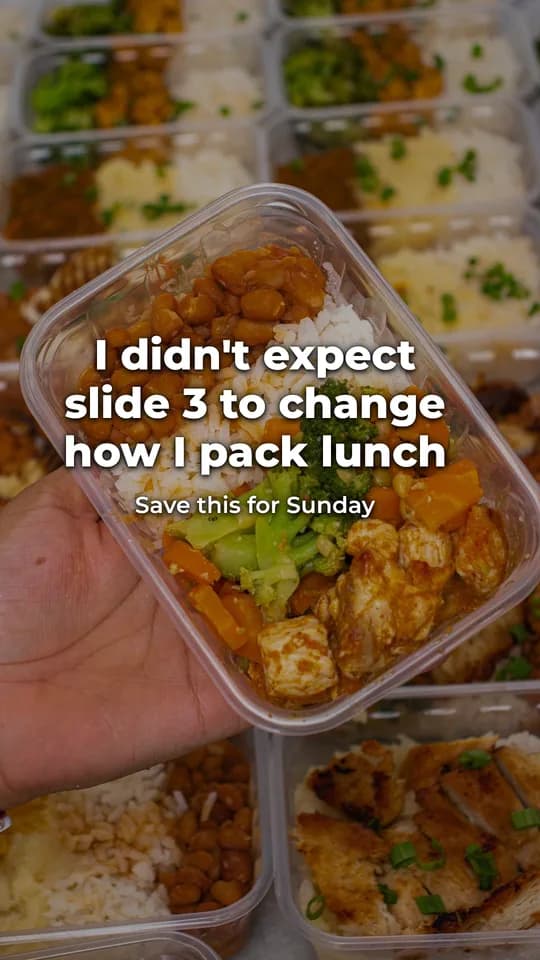
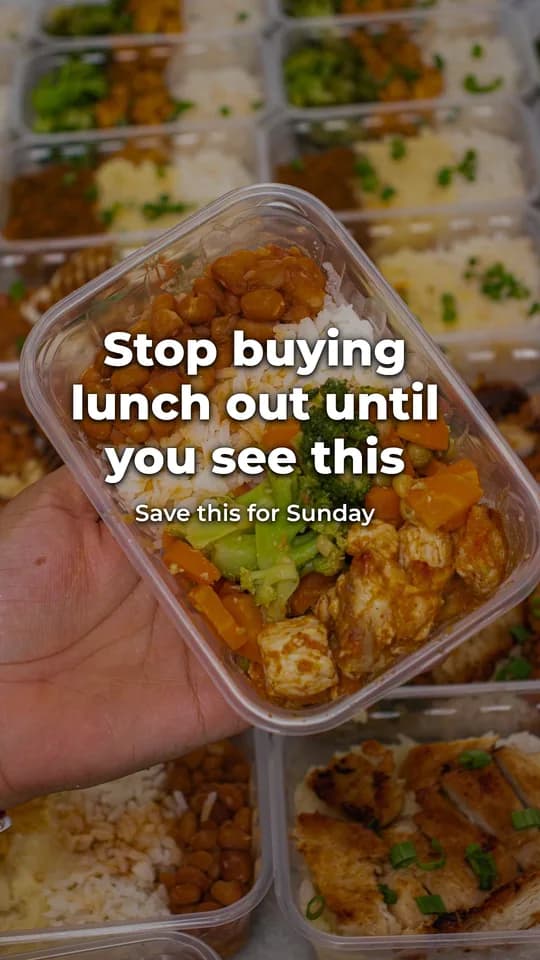
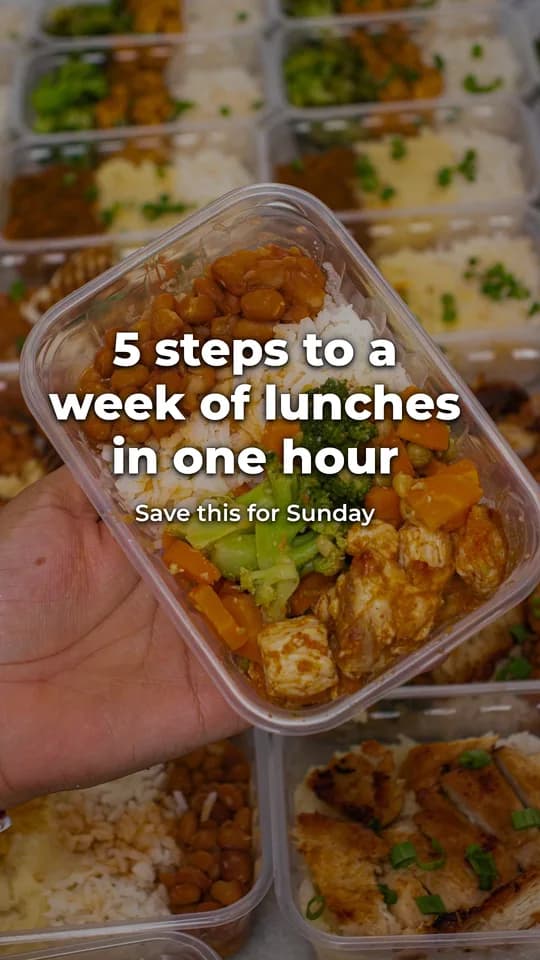
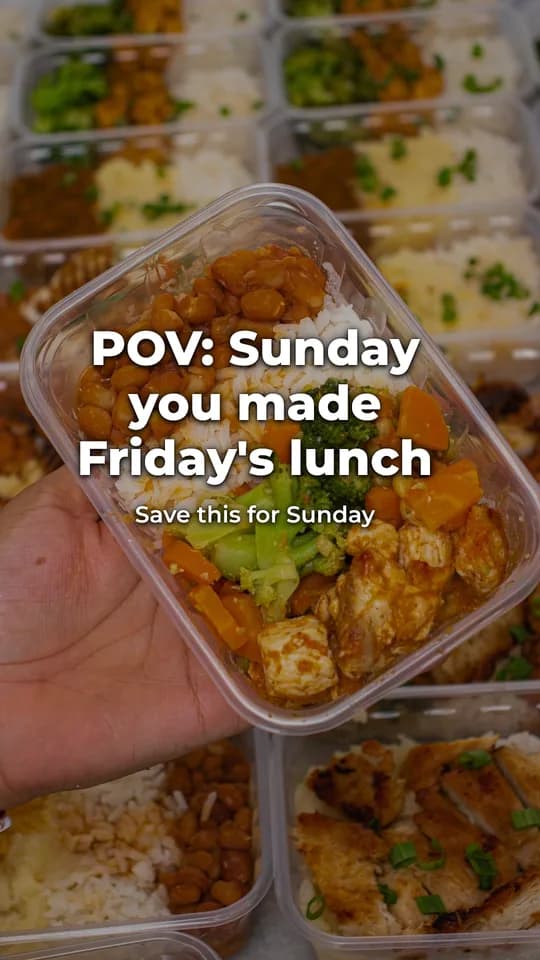
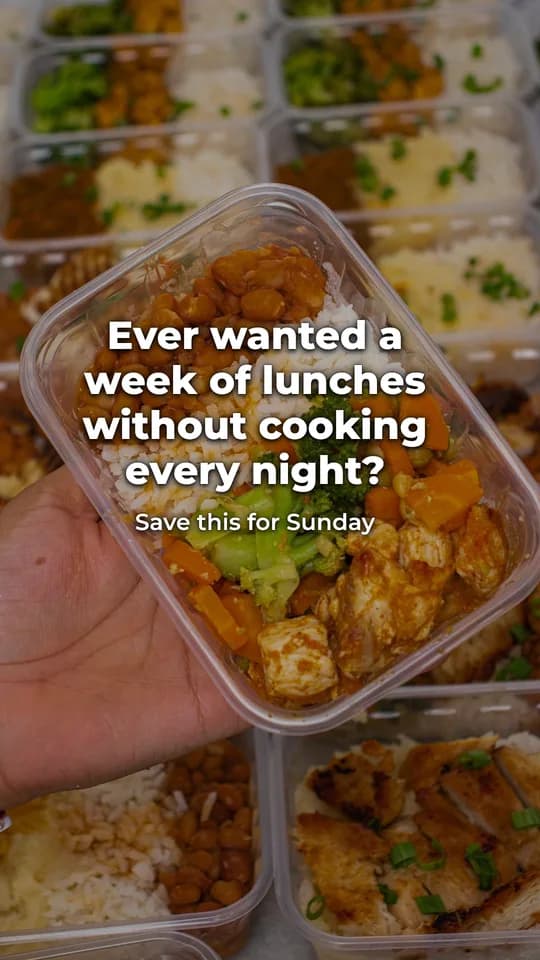
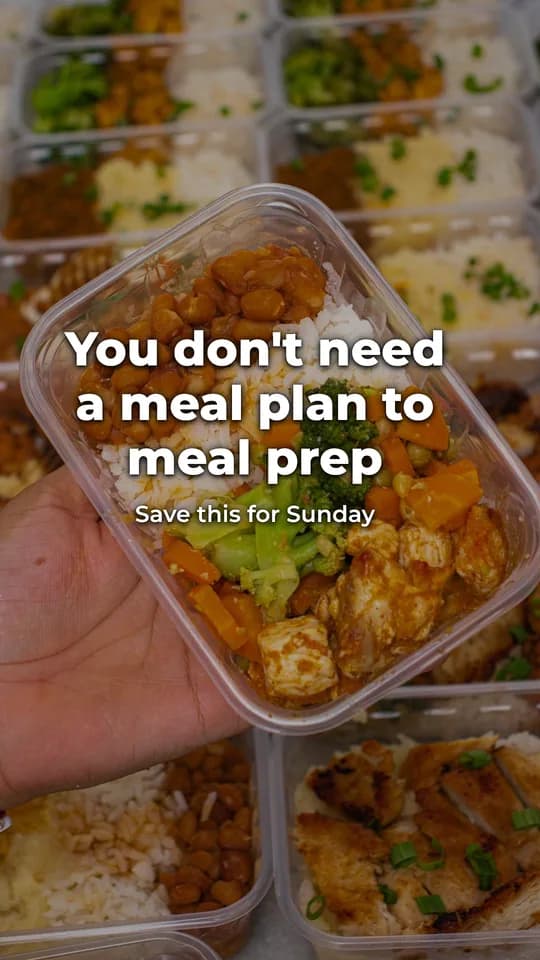
Views vs your account's typical post
“I didn't expect slide 3 to change how I pack lunch”
Know what your audience actually swipes.
Leaderboards for hook styles, CTAs, formats, themes and posting times, built from your own posts. Paste numbers in, import a CSV, or sync from TikTok.
- Checkpoints at 24 hours, 3 days and 7 days, so early spikes don't fool you.
- Small samples are smoothed, so two lucky posts don't top the chart.
- Winners feed straight back into new batches.
Set it once. Wake up to slideshows.
Brainstorm topics, research what your audience is talking about, and remix your winners into new angles. Then let autopilot turn the bank into a fresh batch every day.
- 6:00Picks today's ideaFrom your idea bank, weighted toward hooks that have been winning.
- 6:01Writes and designs the batchIn your brand's voice, theme and photo library.
- 6:03Applies your rulesAuto-approve what passes, hold the rest for review.
- 6:04Lands in your queueReady to post, with a spend cap you control.
10 new slideshows for Prepwell are ready. 7 auto-approved, 3 waiting for you.
Hook test finished: “POV” beat your typical post by 2.7×.
Autopilot is included on Pro and Studio.
Looks like you, not a template.
Set your colors, fonts, logo, voice and photo library once. Pick from built-in themes or tune your own, for 9:16 TikTok and 4:5 Instagram.
Everything a slideshow account needs.
Upload your own shots and tag them. Free stock search fills the gaps, no AI image costs.
Hook, CTA, visual, format or shotgun. One variable at a time when you want a clean answer.
Scored against each account's typical post, with checkpoints at 24h, 3d and 7d.
Brainstorm, research your niche and remix winners into fresh angles.
A new batch on your schedule, with auto-approve rules and a spend cap.
Four built-in looks, six layouts, and full control of fonts and colors.
Download images, export a zip, or send to TikTok as drafts (beta).
Run several apps or clients from one workspace with separate libraries and stats.
Simple plans. Cancel anytime.
Start free, upgrade when you want autopilot or more brands. No per-image fees.
- 1 brand
- ≈ 10 batches a month
- All themes, formats and experiments
- Manual posting + metrics
- 5 brands
- ≈ 150 batches a month
- Daily autopilot
- TikTok draft sending + metrics sync
- Up to 50 brands
- ≈ 750 batches a month
- Everything in Pro
- For agencies and multi-app studios
Prices in USD. Batch counts are estimates; each plan includes a monthly AI budget and shows exactly what you've used.
Does it post to TikTok for me?
You can send finished slideshows to your TikTok inbox as drafts (in beta), then add a trending sound and publish from the app. You can also download the images or a zip and post anywhere, including Instagram carousels.
Where do the photos come from?
Your own photo library first. When it doesn't have a match, SlideShown searches free stock photo sites. We don't generate AI images, so there are no surprise image costs and nothing looks uncanny.
Will it sound like my brand?
You set a voice, an audience and words to avoid for each brand. Every slideshow is editable before you post, slide by slide.
How do you decide which variant won?
Each post is compared to that account's typical post, measured at 24 hours, 3 days and 7 days. Small samples are smoothed so a single lucky post doesn't crown a winner.
Can I run more than one app or client?
Yes. Pro covers up to 5 brands and Studio up to 50, each with its own library, theme, accounts and stats.
Who owns the slideshows?
You do. Anything you create with SlideShown is yours to post, edit and reuse. Stock photos stay under their original free licenses.
Can I cancel anytime?
Yes. Manage or cancel your plan in one click from Settings. You keep paid features until the end of the billing period, then drop to Free.
Your next ten slideshows are one sentence away.
Set up your brand in a few minutes. Your first batch is free.